Engadget warns: Simple deletion leaves USB drive data vulnerable to recovery
With memory prices fluctuating, many users retain obsolete drives. Engadget advises against discarding these devices without first ensuring data is irretrievable, citing Cornell University IT security guidance and physical destruction techniques.
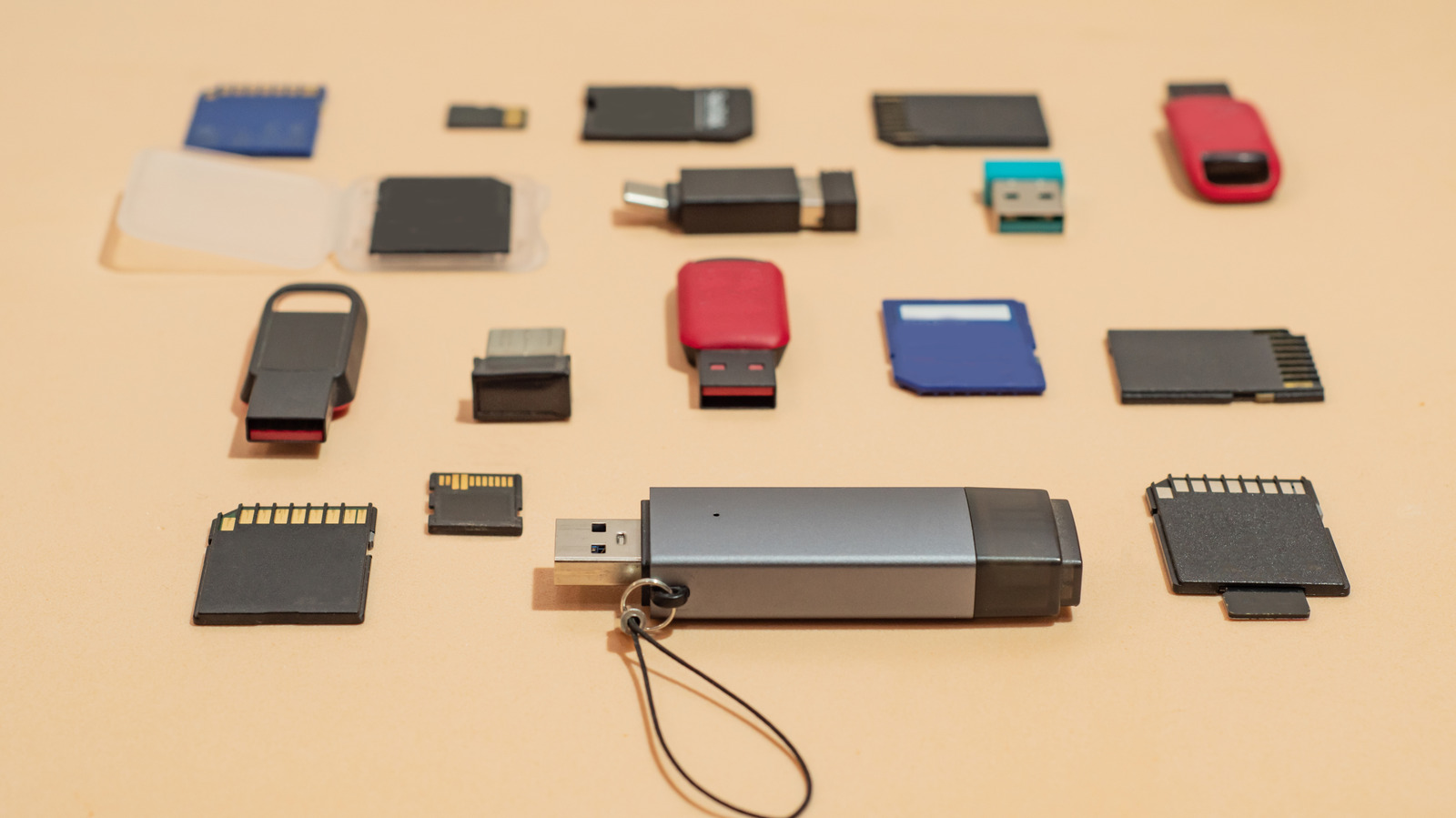
Engadget has published guidance on the secure disposal of old USB drives and storage media, warning that simple file deletion does not prevent data recovery. The guide outlines methods for securely wiping data, including performing a full format on Windows and Mac operating systems, and recommends physical destruction for maximum security. Cornell University’s IT security guidance is cited, recommending that functional drives be overwritten three times before recycling, while drives intended for disposal should be physically destroyed.
Current memory and storage prices make discarding functional USB drives seem counterintuitive, yet many users retain old drives that are too slow or limited in capacity. Simple deletion only marks file space as available for new data, leaving the original data recoverable via software if the drive falls into the wrong hands. A full format takes longer than a quick format as it scans for bad sectors and overwrites existing data, significantly reducing the likelihood of successful data recovery.
For Windows users, Engadget advises opening File Explorer, navigating to 'This PC', right-clicking the drive, selecting 'Format', and ensuring the 'Quick Format' option is unchecked. On Mac, users should open Finder, navigate to Applications > Utilities > Disk Utility, select the drive, click 'Erase', and utilise the 'Security Options' tab to select the number of overwrite passes if available.
Identification of third-party utilities such as DBAN and ShredOS as tools that can perform additional overwrite passes to hinder data recovery. Detailed steps for physical destruction include punching through the casing of mechanical hard drives to damage platters, or cracking open the enclosure of SSDs and flash drives to expose and damage the black, rectangular memory chips soldered to the circuit board.
Safety warning that breaking drives can release sharp metal and fiberglass fragments, despite the absence of hazardous chemicals found in batteries. Many electronic retailers and designated e-waste recycling facilities accept unwanted gadgets for proper disposal, ensuring that old storage media is handled responsibly after data has been securely erased or destroyed.