Engadget outlines practical limits of USB connectivity on modern smart TVs
While USB ports have been standard on televisions since 2010, their utility is often overlooked. Engadget has published a detailed breakdown of which peripherals function correctly and which are likely to be rejected by standard smart TV operating systems.
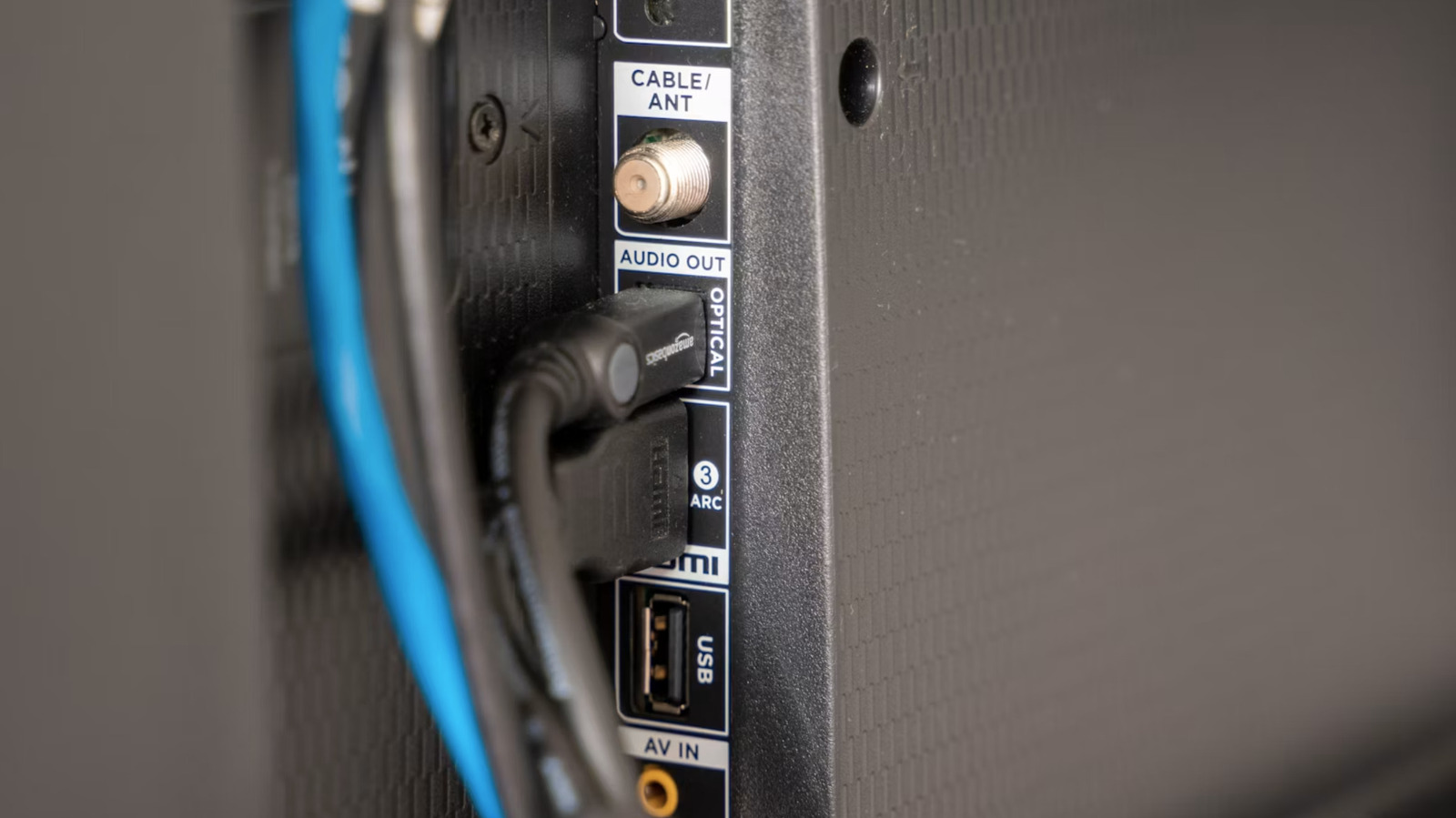
Modern smart televisions typically feature at least one USB port, available in either the legacy USB-A format or the more versatile USB-C standard. These ports, which became ubiquitous across the industry by 2010, are frequently overshadowed by HDMI connections. However, Engadget notes that these interfaces remain highly functional for specific tasks, provided users understand the hardware limitations inherent to most television operating systems.
One of the most efficient applications for a TV USB port is powering streaming devices. Engadget highlights that the Amazon Fire TV Stick HD can be powered directly by a standard USB 2.0 port, removing the need for a separate wall adapter. This capability extends to other low-power peripherals, such as USB-powered light strips designed to create ambient lighting that syncs with on-screen content.
For media consumption, USB drives offer a reliable alternative to streaming services, particularly when internet connectivity is unstable. Most modern sets support large-capacity drives, with many handling 2TB or more. Engadget advises sticking to FAT32, exFAT, or NTFS file systems for the drive itself, and recommends common video formats such as MP4, AVI, and MKV. Audio playback is similarly supported through MP3, WAV, and AAC files.
Peripheral connectivity extends to input devices as well. Engadget points out that USB microphones can be connected to access voice assistants like Alexa, Google Assistant, or Bixby, or to improve audio clarity during video calls. The guide also notes that USB ports can facilitate karaoke applications, which are increasingly integrated into smart TV software suites.
Despite these utilities, Engadget warns against connecting devices that require specific software drivers. Printers, optical drives, and scanners are generally not recognised by smart TVs. While some workarounds exist for Android TV models or specific hardware, the process is often cumbersome and unreliable.
Charging mobile devices via TV USB ports is another area where expectations often exceed reality. Standard USB 2.0 ports typically output only 5V at 500mA, meaning charging a smartphone could take approximately seven hours, while a laptop might require up to 20 hours. Engadget suggests that newer TVs equipped with USB 3.0 ports may offer faster charging speeds, but for now, these ports are best reserved for low-power accessories rather than primary device charging.
Finally, while users can display static images or slideshows via USB, Engadget cautions against using standard TVs as always-on digital art frames. Unlike dedicated models such as Samsung’s Frame series, regular televisions are not designed for continuous static display. This practice can lead to significant power consumption and screen burn-in, particularly on OLED models. Users are advised to consult their specific instruction manuals, as compatibility and format support vary significantly between manufacturers.