Engadget outlines manual pairing protocols for Roku remotes and mobile app controls
New or reset Roku units require specific steps to re-establish connectivity with remote controls, while the companion mobile app offers an alternative interface for Android and iOS users.
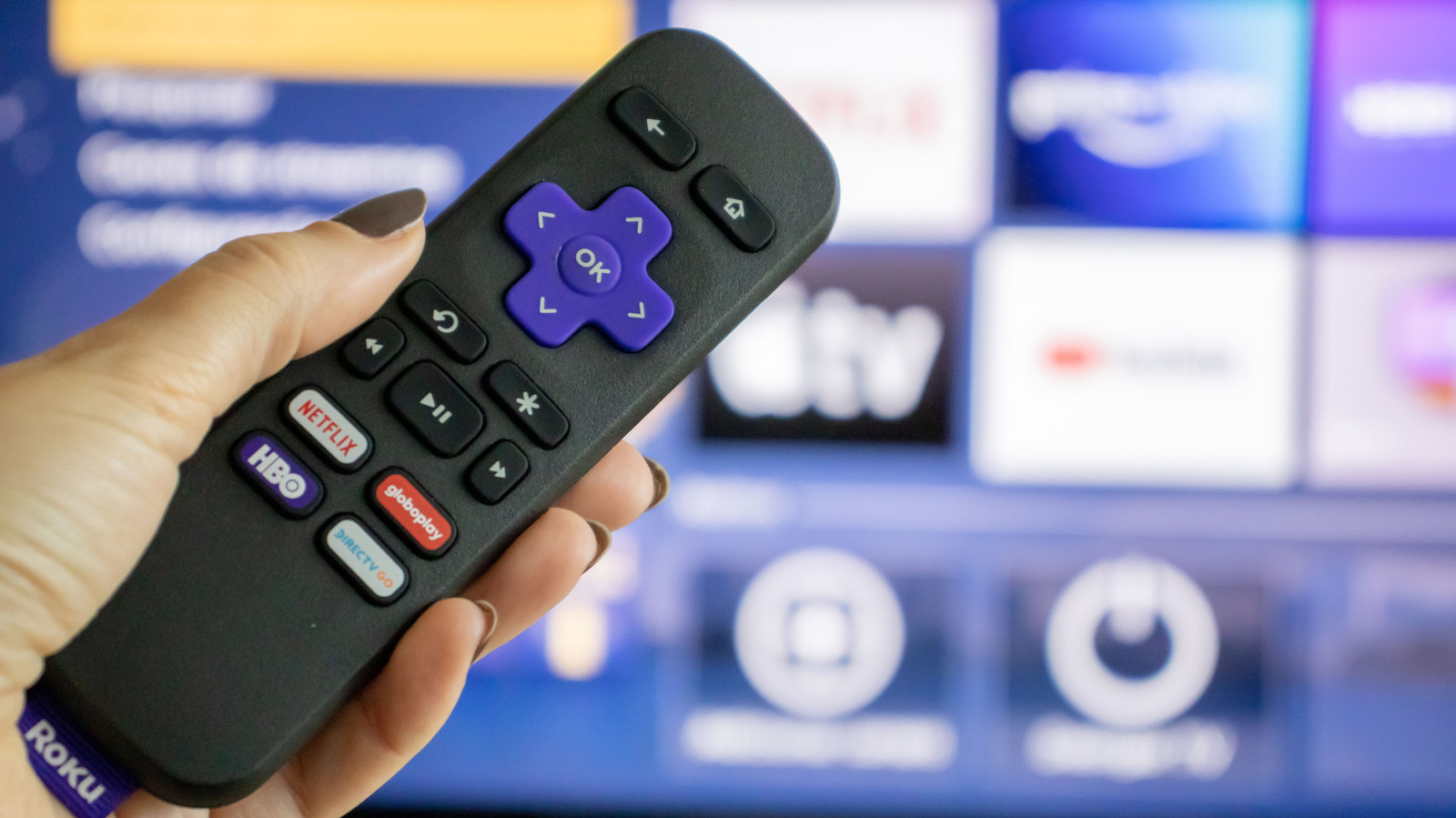
Engadget has published a technical guide detailing the manual pairing process for Roku remote controls, specifically addressing scenarios involving new units or devices that have undergone a factory reset. The publication notes that while streaming hardware such as the Amazon Fire TV Stick and Google TV Streamer provides a cost-effective method for upgrading older televisions, Roku’s ecosystem is frequently cited for its affordability and ease of setup. The guide emphasises that modern Roku remotes utilise wireless technologies, including Wi-Fi Direct or Bluetooth, rather than traditional infrared signals. This shift necessitates a pairing step to enable features such as voice control and non-line-of-sight operation.
The instructions outline two primary methods for entering pairing mode on the remote control. Users are directed to locate a dedicated pairing button, typically situated under the battery cover, and hold it for five seconds until the status light flashes. Alternatively, for remotes without a specific pairing button, the guide instructs users to press and hold the Back and Home keys simultaneously for five seconds. These steps are critical for re-establishing the connection between the remote and the streaming device after a reset or replacement.
For users who do not have a functional remote to facilitate the initial setup, the guide specifies a hardware reset procedure. This involves unplugging the Roku device from the power source, waiting approximately five seconds, and then plugging it back in to restart the unit. Once the device is powered on, the pairing process for the remote can be initiated. The publication acknowledges that the exact location of the pairing button may vary slightly between remote models, though the battery compartment remains the standard location.
Beyond physical remotes, the guide highlights the Roku mobile application as a viable alternative control interface for Android and iOS users. The application requires the smartphone and the Roku device to be connected to the same Wi-Fi network. Upon launching the app and navigating to the Remote tab, users can connect to the device when it is recognised. The interface mirrors the physical remote’s layout, featuring large directional pad controls, playback buttons, and Home and Back functions.
The mobile application also provides distinct functional advantages, including a microphone icon for voice searches and the ability to utilise the phone’s keyboard for faster text input. Additionally, the app serves as a content discovery hub and allows for audio routing to headphones connected to the mobile device. Engadget notes that these features offer convenience for late-night viewing, although the guide treats the comparison of Roku’s interface as less bloated than Android TV as a matter of user reputation rather than objective technical fact.