Engadget guide details essential iPhone emergency settings for user safety
A new walkthrough from Engadget outlines the critical steps for setting up life-saving tools on iOS, including how to ensure first responders can access vital health data and how to activate emergency alerts.
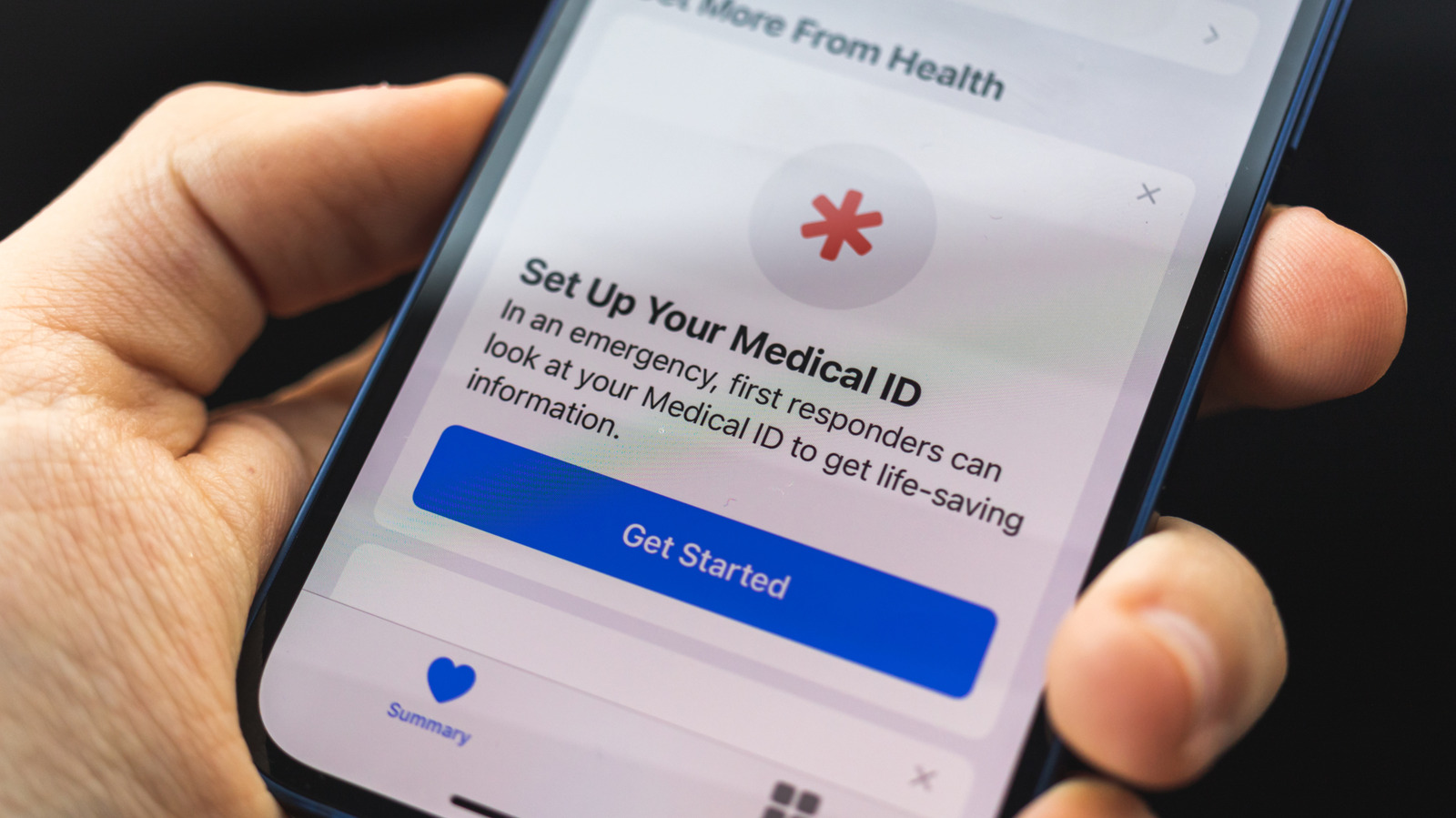
Engadget has published a comprehensive guide on configuring emergency features within the Apple ecosystem, emphasising the importance of setting up Medical ID and Emergency SOS before a crisis occurs. The publication notes that while these tools are often overlooked, they are critical for ensuring that first responders and emergency contacts have access to vital information when a user is unable to communicate.
The guide details the process for accessing Medical ID through the Health app, where users can input essential data such as allergies, medications, blood type, and health conditions. Crucially, the article advises enabling the 'Show When Locked' and 'Share During Emergency Call' toggles, which allow paramedics and police to view this information directly from the passcode screen without needing the device password.
For triggering assistance, the walkthrough explains that Emergency SOS can be activated by holding the Side and Volume buttons or by rapidly pressing the Side button five times. Users can choose between a loud countdown alarm or a silent call option, with the latter being preferable in situations where noise could be dangerous. The guide also highlights the 'Call After Severe Crash' feature, which automatically contacts emergency services if the device detects a significant impact.
Additional settings covered include Emergency Bypass, which ensures that specific trusted contacts can ring through even when the phone is silenced or in Focus mode. The article notes that this must be configured individually for each contact within the Contacts app. It also mentions that while Text to 911 is available in some US localities, its availability varies, and users are advised to check their specific region.
For users with iPhone 14 models and newer, the guide outlines the capability to send emergency messages via satellite or make calls when no cellular service is available. This feature is accessed through the Control Center and is designed for scenarios where traditional connectivity is lost. Engadget stresses that these features, introduced to iOS in 2014, should be reviewed regularly to ensure all details remain current.