Chromebooks offer simplicity and value, but software limits remain
Engadget’s assessment finds Chromebooks well suited to lightweight, cloud-based work, but less capable for demanding software, gaming and offline use.
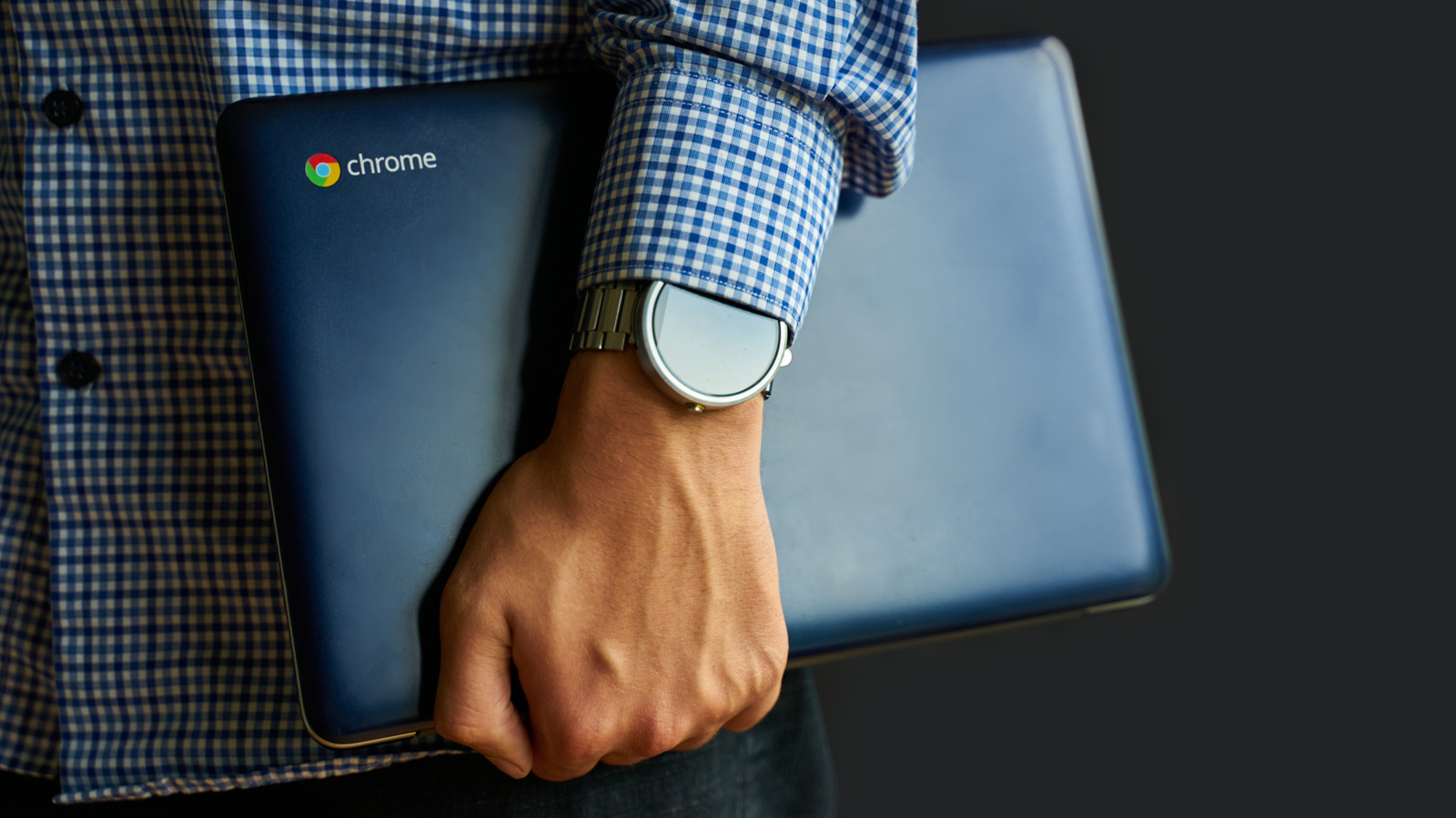
Chromebooks have evolved significantly since their 2011 launch, offering a relatively inexpensive alternative to Windows and Mac computers. Engadget says their strongest use case is everyday web-based work, including email, spreadsheets and office applications.
The devices are typically lightweight, durable and quick to start, with many models offering more than 10 hours of battery life. ChromeOS is designed around the Chrome browser, which keeps the interface simple and reduces the learning curve for users seeking a streamlined computer.
ChromeOS also provides stronger default protections than a typical Windows computer through read-only system files, verified boot and sandboxing. Those measures do not eliminate risks such as malicious extensions, phishing or compromised accounts. Developer Mode offers Linux and full terminal access, but weakens some of the platform’s standard security protections.
Price is another advantage. Engadget’s 2026 Chromebook pick, the Acer Chromebook Plus 514, costs about US$400 depending on the retailer, although higher-end models can exceed US$700. Offline support has improved, with services including Google Workspace and Gmail available without an internet connection, but cloud services remain central to the experience.
The trade-offs are most significant for users who need demanding software or broad hardware compatibility. Gaming on ChromeOS is largely focused on streaming, while Steam, Adobe Creative Cloud and some specialised enterprise software may not work. Printer support can also vary following Google’s discontinuation of Cloud Print in 2020, and typical Chromebooks have weaker RAM, processor and storage specifications than standard laptops.