Budget HDMI extenders offer longer reach, with trade-offs
Engadget outlines low-cost ways to carry HDMI signals across rooms and longer distances, while warning that compatibility, latency and signal loss vary by setup.
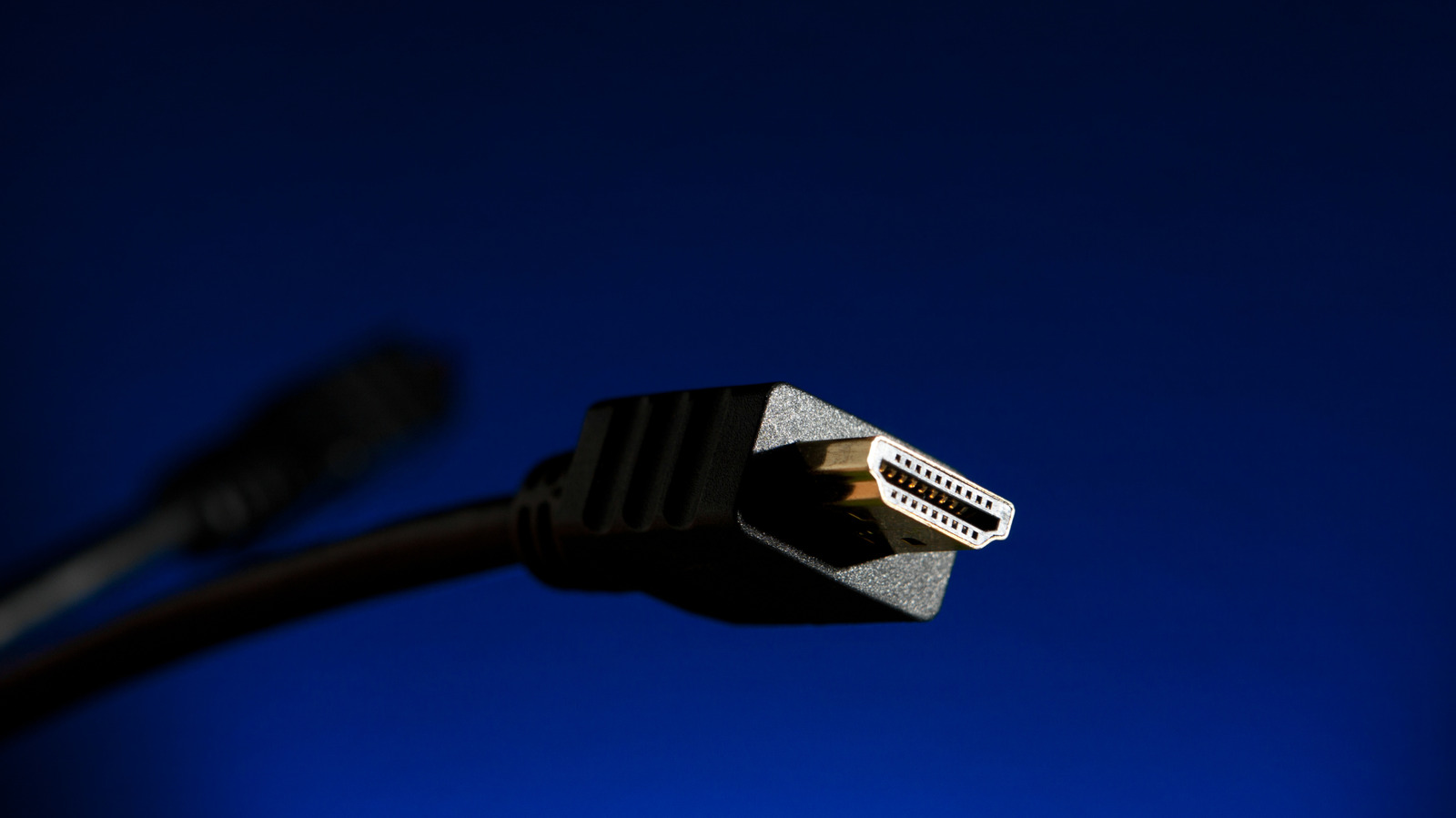
HDMI signals weaken as they travel, a problem known as attenuation that can cause flickering, pixelation, audio loss or complete signal failure. In its guide to budget extension options, Engadget says issues become more common when cables run beyond about 25 feet.
The simplest option is an HDMI coupler, which joins two cables and is generally cheaper than buying a longer cable. Couplers may support high bandwidth and high-resolution video, but they can still suffer degradation over longer runs. Compatibility is also important, particularly with newer cable standards.
Signal repeaters refresh the connection and can typically extend HDMI to around 100 feet. They may be useful across offices, classrooms or outdoor areas, although linking several repeaters can raise costs quickly.
For longer distances, active copper cables can sometimes exceed 100 feet, while some fibre-optic HDMI cables reach beyond 300 feet. These cables are directional and may require compatible power support from connected devices. Indicative prices cited by Engadget range from $35 to $80 for active copper and $40 to $120 for fibre optic, depending on the product.
Wireless extenders can carry HDMI signals across several rooms or floors, with some products advertising ranges of up to about 1,300 feet. They may introduce latency, making them less suitable for gaming or live sport, and generally cannot deliver high-dynamic-range video. Ethernet-based systems can carry signals hundreds of feet and may support multiple displays, but require more involved setup and compatible equipment.