Android battery guide focuses on display settings and charging habits
Engadget’s recommendations cover daily power use and longer-term battery health, with results dependent on each phone and its settings.
Engadget has published a guide to reducing battery drain and preserving battery health on Android phones. Its advice centres on display settings, power management tools, app activity and charging practices.
For everyday use, the guide suggests lowering brightness or enabling auto-brightness, shortening screen timeout and switching from a 120Hz refresh rate to 60Hz where supported. Dark mode may also reduce display power use, though the potential savings depend on screen type and brightness.
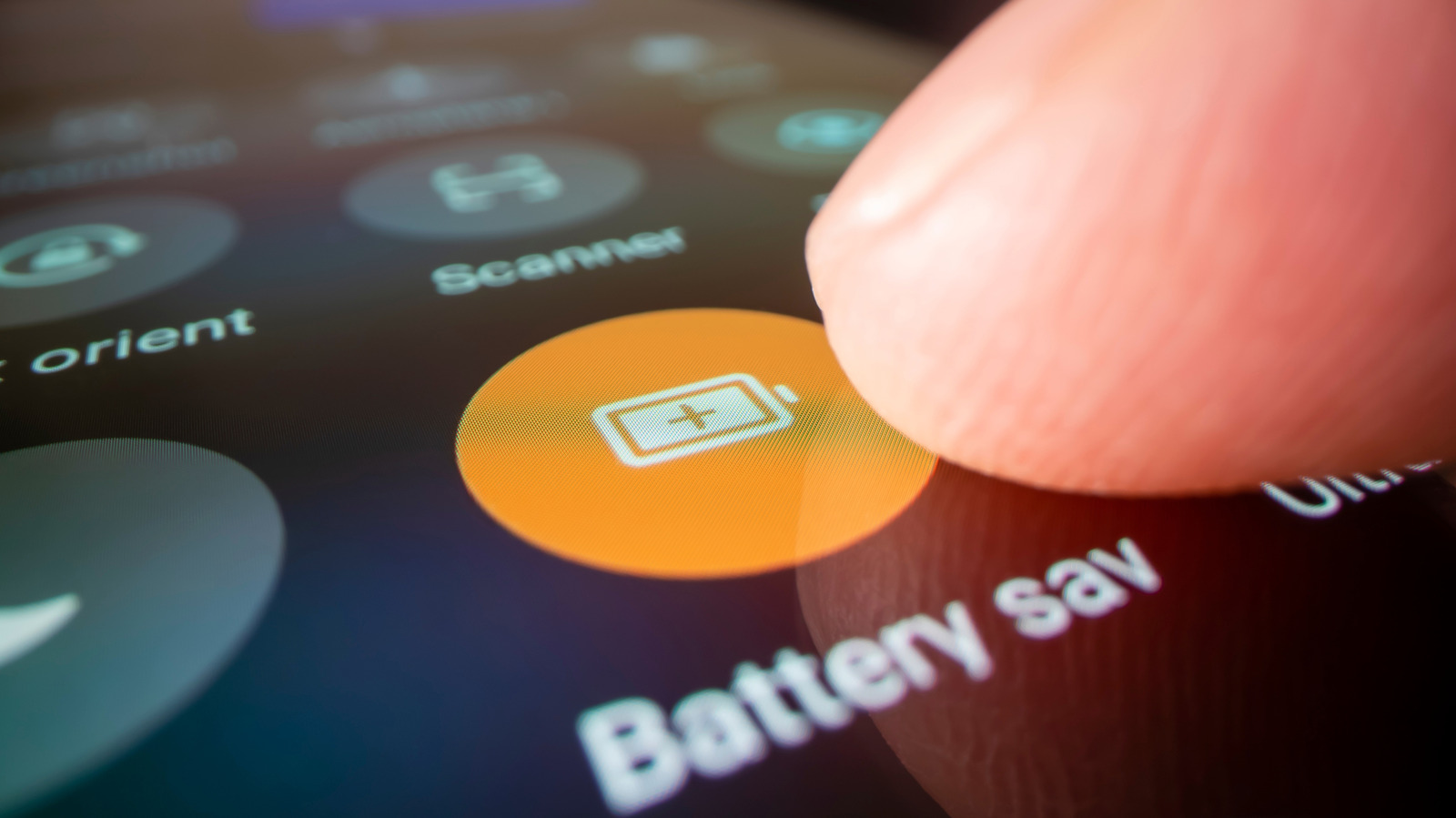
Android’s Battery Saver and Adaptive Battery can help limit power use. Engadget also recommends checking battery usage to identify apps consuming unusually large amounts of power, then restricting their background activity where appropriate.
For longer-term battery care, the guide suggests charging to about 80 per cent when practical and avoiding excess heat. Some phones offer a charging limit in battery settings; menu names and options vary by model.
If the drain persists, users can run the phone’s battery diagnostics. Engadget says a poor health rating may indicate that a replacement should be considered. The steps are general guidance, and their effect will vary with the device and how it is used.