An old router can still earn a place on the network
Engadget outlines ways to reuse older routers, with performance and compatibility depending on the device and its settings.
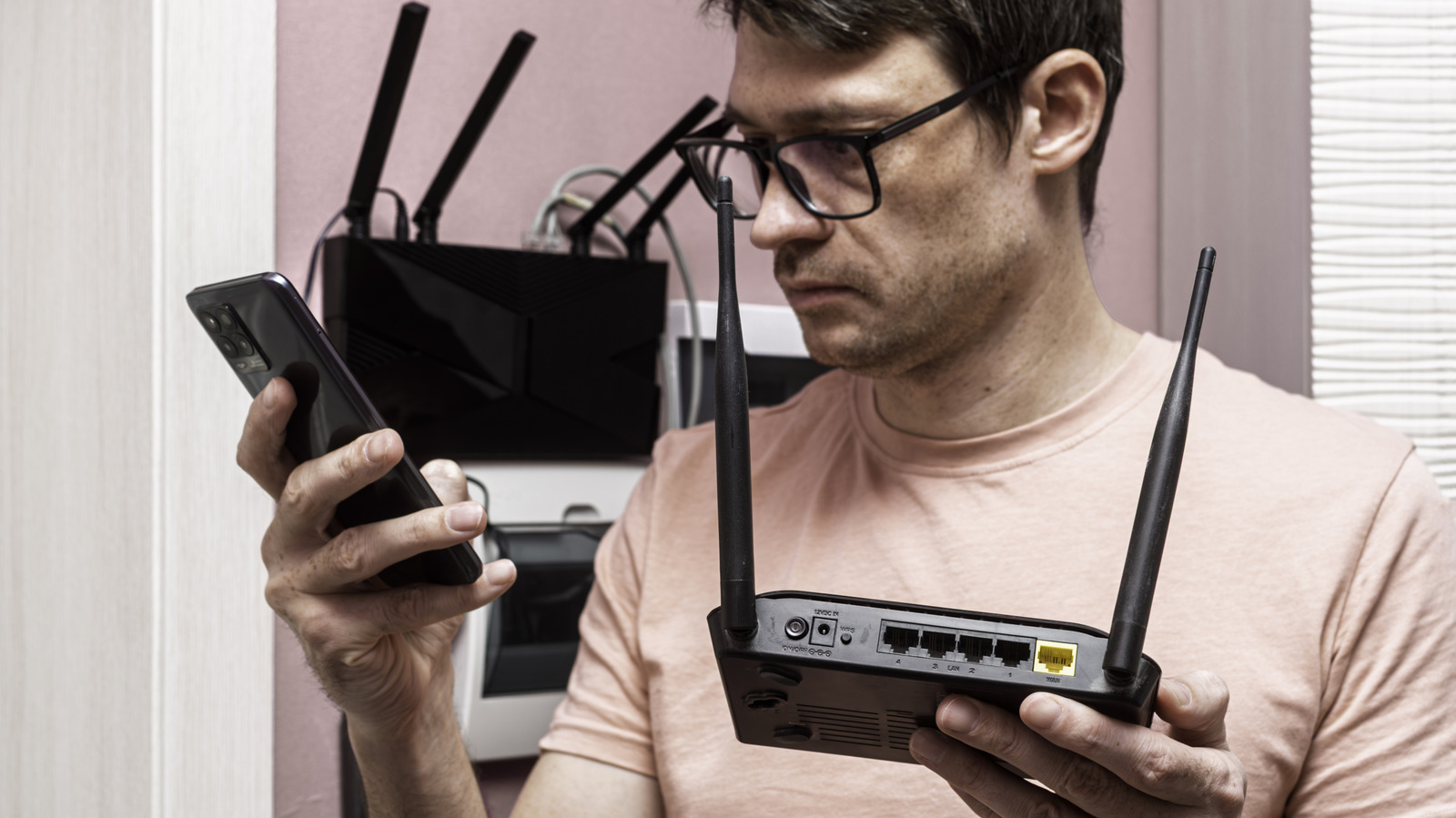
Replacing a router does not necessarily make the old one useless. Engadget describes several ways to give older equipment a secondary role, while noting that newer models generally offer stronger security, range and performance for a primary connection.
An old router may extend network coverage as a wired or wireless access point. A wired link can provide stable, fast connectivity, but requires an Ethernet connection to the main router. Wireless repeating is easier to place, though it uses some of the router’s capacity and can reduce speeds. Running nearby Wi-Fi signals can also cause interference.
Where the newer router lacks enough Ethernet ports, the old device may work as a network switch. Some models offer a switch or access point setting; others may require changes to routing settings. The router’s wireless functions can be disabled if it is being used only for wired connections.
A router with USB support may share a printer or provide basic access to an attached storage device across the network. Engadget cautions that this storage is not a substitute for a dedicated network attached storage system: router USB performance may be limited, and the device lacks NAS-style reliability and backup features.
Some routers can also serve as a VPN client or, within compatible systems, a mesh node. Third-party firmware such as OpenWRT, DD-WRT and FreshTomato may add flexibility, but support varies by model. Engadget advises checking the device’s documentation and firmware compatibility before choosing a use.