Apple releases iOS 27 with minor tweaks following WWDC AI focus
The latest operating system update for iPhone users introduces a suite of interface refinements and privacy features, distinct from the major artificial intelligence announcements made at the Worldwide Developer Conference.
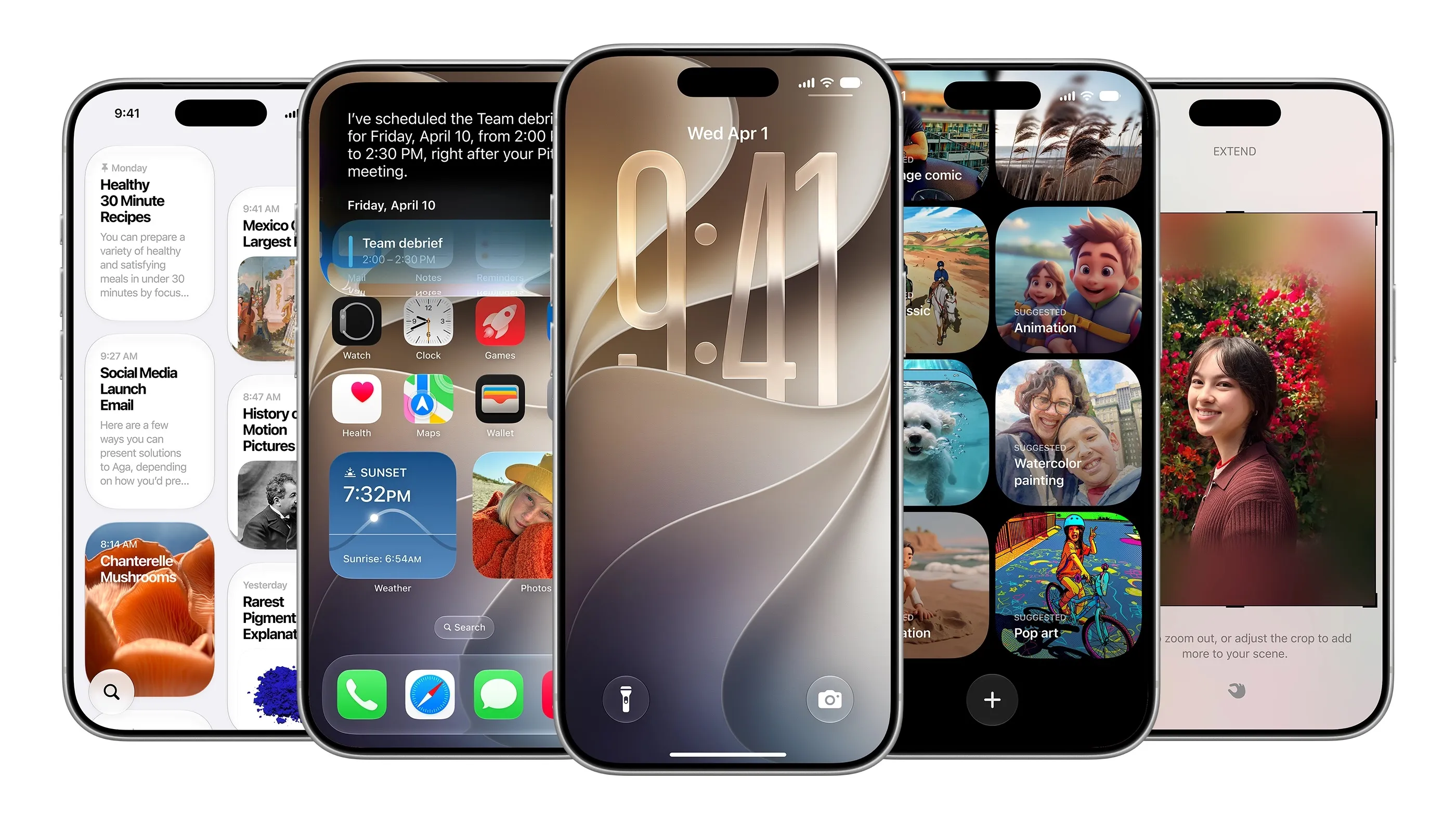
Apple has released iOS 27, introducing a range of minor enhancements for iPhone users that stand in contrast to the heavy emphasis on artificial intelligence at the company’s recent Worldwide Developer Conference. While the new Siri AI dominated the keynote stage, the software update itself delivers a collection of supplementary improvements designed to refine everyday device usage rather than overhaul the platform.
A significant addition to the home screen interface is the ability to add full-screen widgets. This feature is intended to facilitate easier scanning of news feeds or calendar events, providing a more prominent display for information that users check frequently. Alongside this, the Weather app has received a design update, featuring a new “highlights” section for notable upcoming events and improved navigation between Conditions, Precipitation, and Wind views.
Users seeking greater control over their device’s audio environment can now set separate volume levels for alarms, timers, alerts, and system sounds. This requires navigating to Settings > Sounds & Haptics to disable the “Match Ringtone Volume” toggle, allowing for manual adjustment of sliders. Additionally, the timer interface has been updated with a new slider when activated from the Control Centre.
Clipboard functionality has been streamlined to improve workflow between applications. The keyboard now offers a direct option to paste text or screenshots from the clipboard, mirroring the existing functionality for posting one-time passcodes from Messages. This change aims to reduce friction when copying content across different apps.
Other notable updates include enhanced privacy options in Find My, which allows users to temporarily hide their location from a specific person for a set duration without sending a notification. The Messages app now supports a Drawing feature for sketching notes or diagrams, while the Camera interface has been reorganised for easier access to depth, grid, and level options. Further refinements include manual iCloud syncing for files and health data, custom passes in the Wallet app, and holiday detection in the Calendar app.
The release also brings subtle interface tweaks, such as a scroll bar for the emoji keyboard and an audio scrubbing option for CarPlay, the latter identified by community users. These updates, reported by TechCrunch, underscore Apple’s strategy of layering incremental utility improvements onto the core platform while the broader strategic focus remains on generative AI capabilities.